A buyer and seller pipeline template, a follow-up checklist and a walkthrough to prepare for your CRM demo. Practical resources for Quebec real estate brokers.
A visual tour of the demo workspace
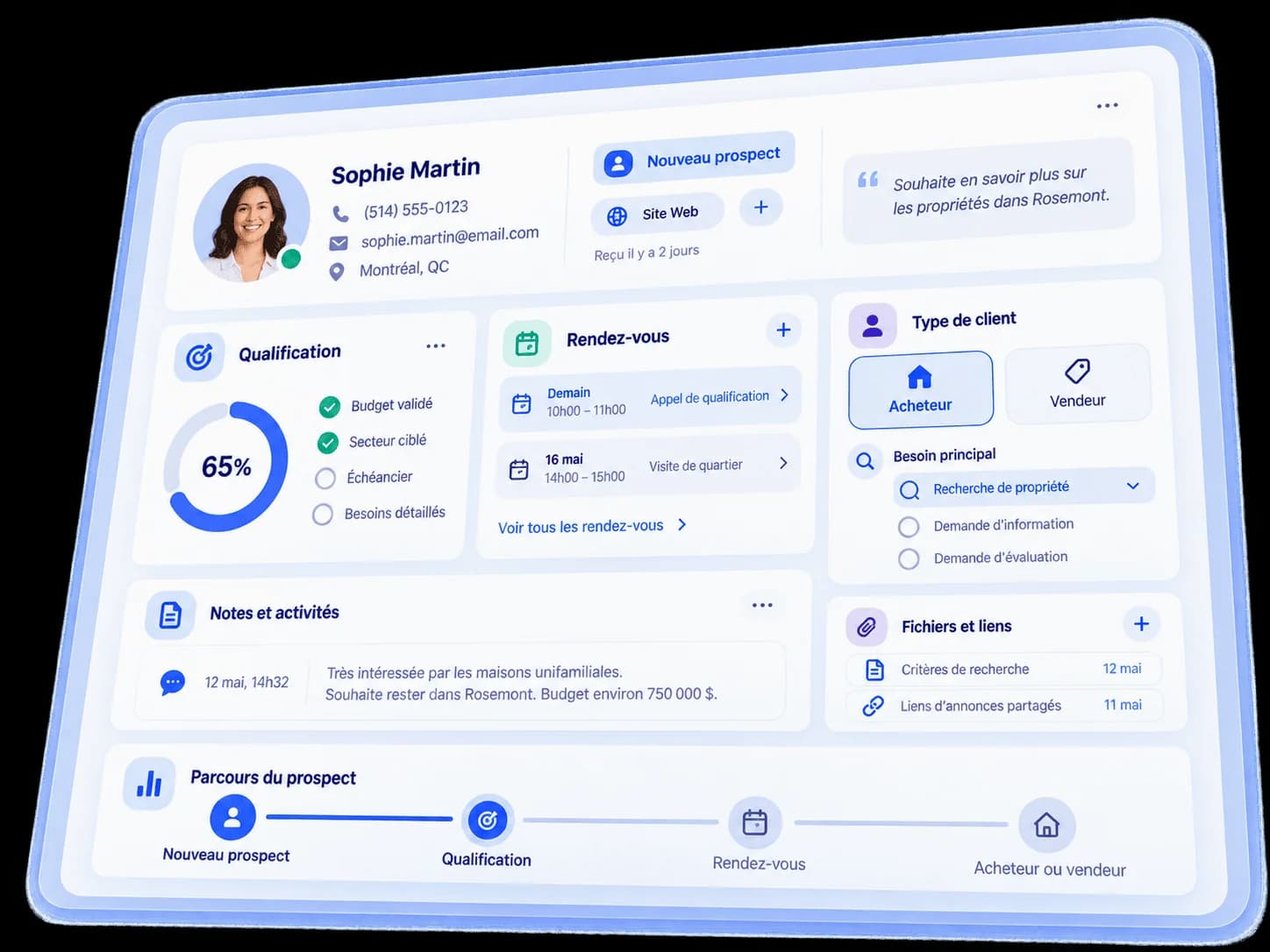
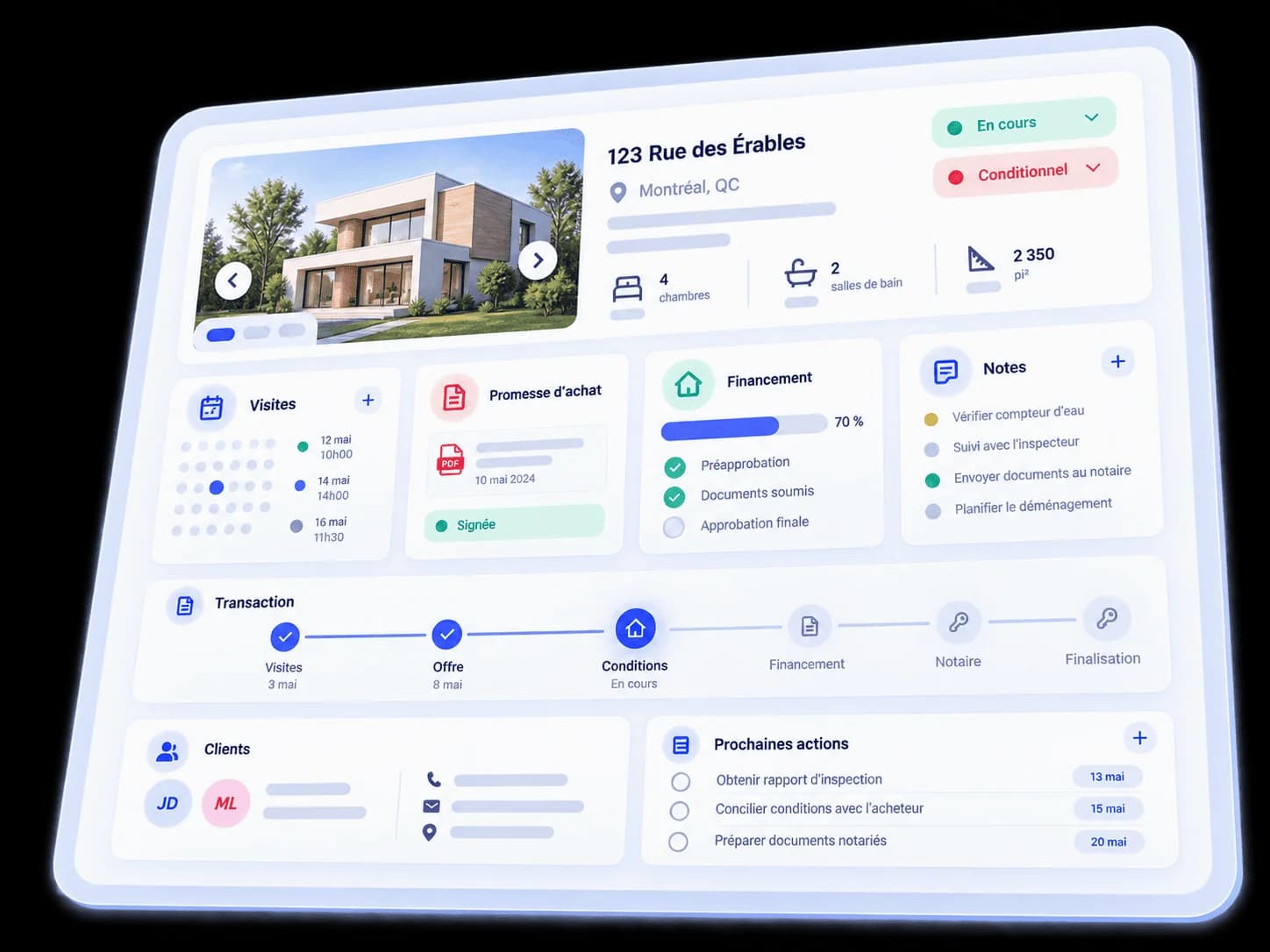
Four screens from the actual Ocliq demo workspace, presented with fictional data and captions. The interface is in French; English captions are available. Displayed sources are examples; each integration must be checked against your tools.
Read the tour transcript
00:00 — See the buyer pipeline stages.
00:06 — Open a fictional record and find its pipeline, stage and status.
00:12 — Organize budget, areas, property type and search criteria.
00:18 — Keep inspection, financing, other conditions and their dates visible.
Two resources to adapt to your practice
Buyer and seller pipeline template
Stages, progression criteria and next actions for each record.
These illustrations show an example Ocliq configuration. During your demo, we review the journey against your stages, tools and requirements.
01
Qualify the request
Identify whether the person wants to buy or sell. Record their criteria, budget, timeline and next action in the contact record.
02
Organize stages and deadlines
Separate prospects from active clients. For an active record, assign tasks and keep showing dates, financing deadlines and conditions visible.
03
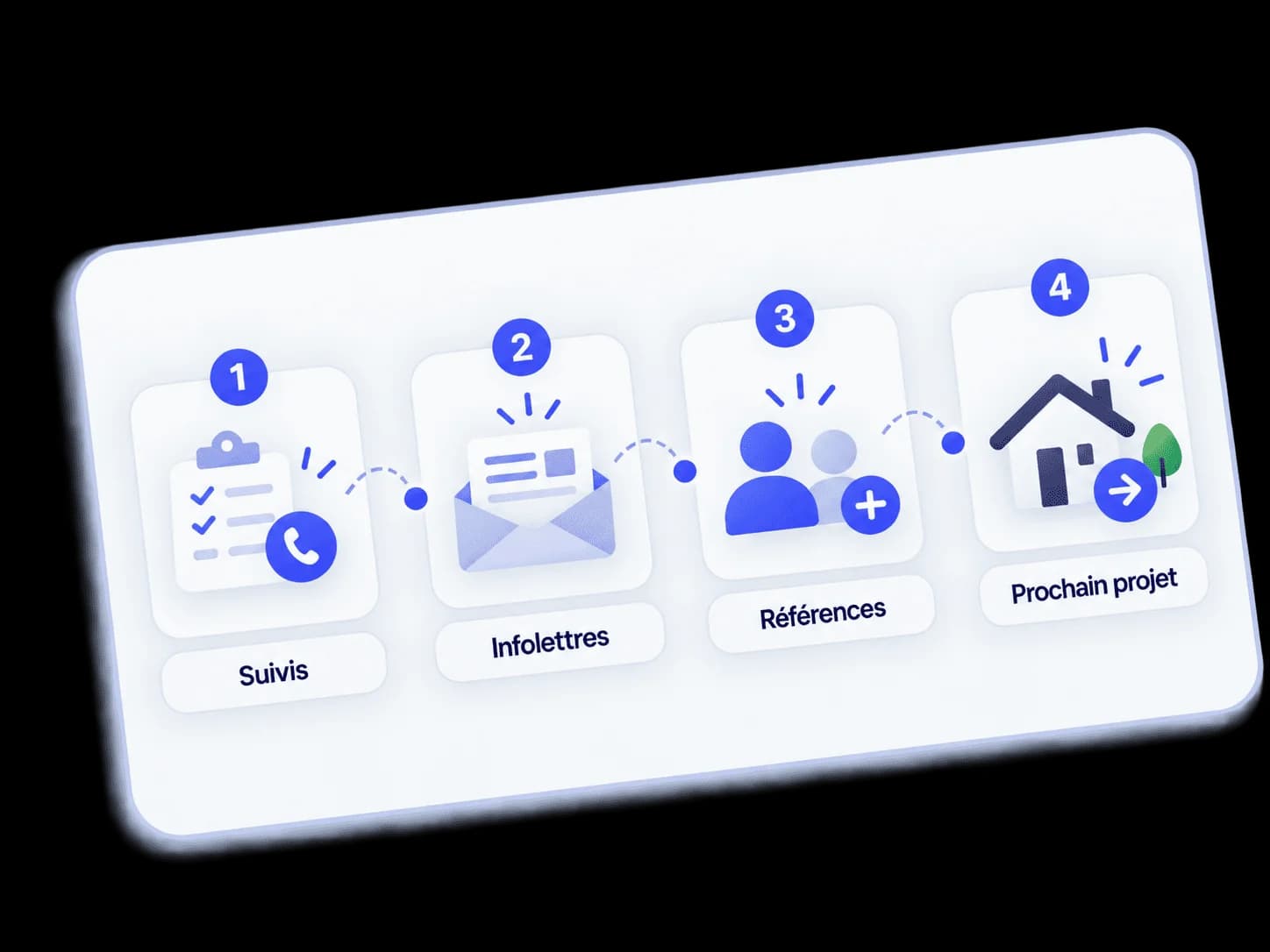
Prepare follow-up after the transaction
Keep the history and plan the next check-in. Configure communications and automations according to the contact’s permissions.
What to confirm before choosing Ocliq
Can I import my contacts?
Existing contacts can be imported. Before migrating, review fields, duplicates, assigned owners and consent records. Confirm your file format and the information to carry over during the demo.
Which integrations are available for my team?
List your calendars, forms and lead sources. Have each required connection checked: general integration capabilities do not guarantee a connection with every tool or with Centris.
What costs should I consider beyond the subscription?
The published plan starts at CAD 140 per month with up to 2 users included. Each additional user costs CAD 70 per month. One-time setup fee: CAD 600. Confirm communication charges, integrations and custom work in your offer.
How do I evaluate support and data handling?
Ask about onboarding scope, support channels, data export and deletion procedures, and the service commitments in your contract. Also review the Privacy Policy.
Your privacy choices
Ocliq LLC uses Google Analytics only with your permission to measure website visits and interactions. You can refuse analytics and still use this site. Your choice is saved for six months.